Start with the laptop, not the screen size
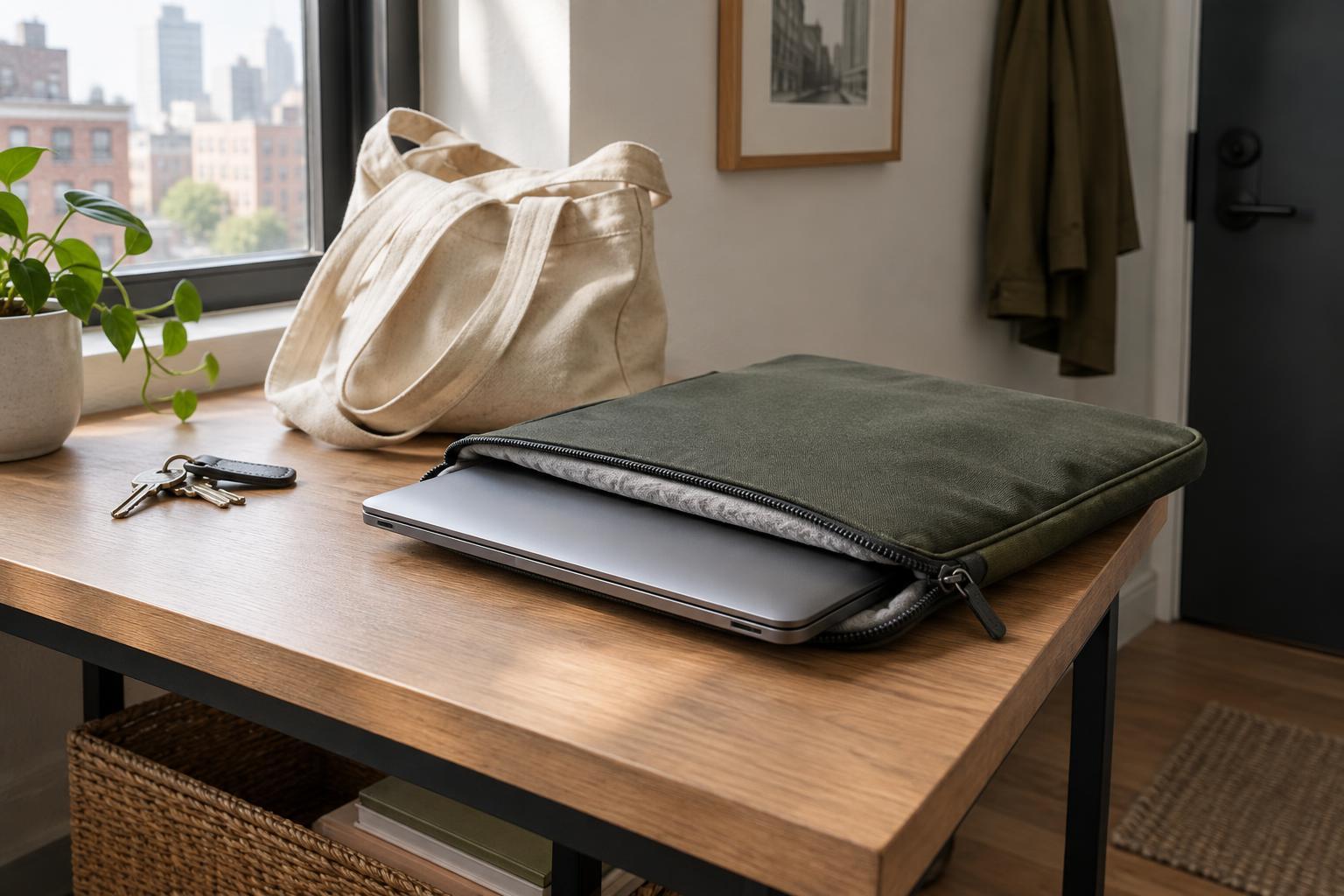
A sleeve that fits well is easier to use and less likely to let your laptop slide around. Screen size alone is not enough to choose one: two laptops with the same advertised screen size can have different body dimensions. Measure your laptop’s width, depth, and thickness, including any case you normally leave on it. Compare those measurements with the sleeve’s stated internal dimensions, rather than relying only on a label such as “13-inch.”
Look for enough room to insert and remove the laptop without forcing it through the opening. At the same time, avoid a sleeve so loose that the device shifts noticeably as you walk. If you carry the sleeve inside a backpack or tote, check the combined fit before buying. A thick sleeve may protect the laptop well but make a previously convenient bag compartment too tight.
Match the protection to your daily route
Think about what happens to your laptop between home and your destination. A short walk with the sleeve inside a padded backpack calls for a different setup than a crowded commute in a loosely packed tote. For everyday bumps, look for padding on both faces of the sleeve and some protection around the edges and corners. A soft lining can help reduce scuffs, but it does not replace padding where the laptop is most likely to take a knock.
Pay attention to the opening. A zipper is convenient, but exposed teeth or a metal pull can rub against the laptop during insertion. A fabric guard between the zipper and the device helps. Magnetic or flap closures avoid that contact, although you should check that they keep the laptop securely inside when the sleeve is turned or lifted. No slim sleeve can guarantee protection from a hard drop, so treat it as one layer of care rather than a substitute for careful handling.
Choose materials for how you actually carry it
Fabric, neoprene, felt, and coated materials offer different balances of bulk, flexibility, and appearance. A flexible sleeve may slip easily into a full bag, while a more structured one can hold its shape when carried alone. Check the stitching at the seams and the feel of the closure; these details matter when you open and close the sleeve several times a day.
If your route includes rain, a water-resistant outer material may help with brief splashes, but do not assume the sleeve is waterproof. Zippers and seams can still admit water, especially if the sleeve stays wet inside a bag. For a walk in steady rain, use a bag with suitable weather protection and keep the laptop away from damp items. Consider cleaning, too: a surface that wipes down easily may be more useful for daily travel than one that shows every mark.
Decide whether extras earn their space
An accessory pocket can keep a charger, cable, pen, or small adapter close to the laptop. Before choosing a pocket-heavy sleeve, picture it fully packed. A bulky charger pressed against the laptop can create an awkward lump, and loose hard objects may make the sleeve less comfortable to carry. If you regularly need several accessories, a separate pouch may keep them organized without putting pressure on the computer.
Handles and shoulder straps are useful if the sleeve often serves as your only bag. Check that a handle feels secure and that a strap attaches at sturdy points. If the sleeve will almost always ride inside another bag, those features may simply add bulk or catch on nearby items. Choose for your usual day, not for an occasional trip that requires a different bag anyway.
Make a final fit-and-use check
Before committing, run through a typical day: where will the sleeve sit, how often will you take the laptop out, and what else will share the bag? If you can inspect a sleeve in person, try sliding your laptop in and out and check whether the corners sit comfortably without stretching the fabric. If you are shopping from measurements, allow for the sleeve’s stated interior space and check the seller’s fit guidance carefully.
The best choice is not necessarily the thickest or most feature-filled sleeve. It is the one you will use consistently because it fits your laptop, fits your bag, and makes your routine simpler. Once you have it, keep sharp or damp objects away from the laptop compartment and clear out any grit that collects inside. Those small habits help a practical sleeve stay useful through daily travel.