Start with three decisions, not a stack of folders
A useful paperwork system does not need much space. It needs to answer three questions: Does this require action? Will I need to find it again? Does it contain information that needs protection? Those decisions are more helpful than trying to give every piece of paper its own category.
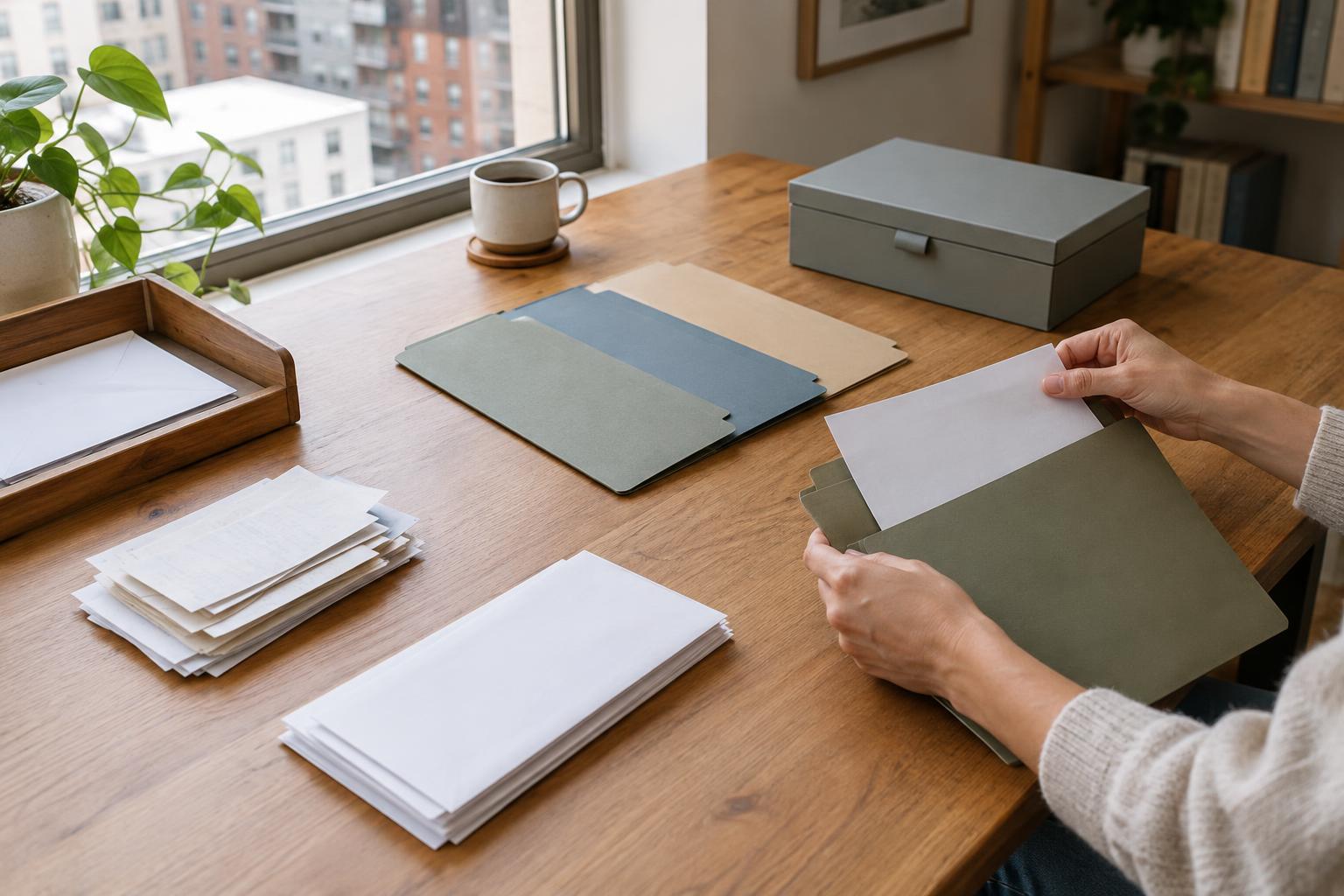
Choose one landing spot for incoming mail and loose papers, such as a tray near the door or a folder in a drawer. Keep it small enough that a growing pile becomes noticeable. As papers arrive, separate them into “act,” “keep,” and “discard securely.” Recycle ordinary flyers promptly. Put bills, forms, and anything with a deadline in the act group, even if you plan to handle them online.
Give active paperwork a visible home
The act group works best as a single, easy-to-reach folder rather than several neat-looking piles. Label it “To Do” and place it where you normally handle household tasks. If a paper needs something specific, write the next step on a sticky note: “check charge,” “send form,” or “schedule payment.” This makes the folder easier to tackle when you have only ten minutes.
Keep a short list of deadlines in your calendar or usual task app instead of relying on the folder to remind you. Once you have completed an action, decide whether the paper belongs in your records. If an online account provides the record you need, you may not need a paper copy. Avoid keeping duplicates simply because you are unsure where else to put them.
File records by how you will look for them
For everyday records, a small accordion file or a few labeled folders may be enough. Broad labels such as “Home,” “Work,” “Purchases and Warranties,” and “Taxes” are easier to maintain than dozens of narrow ones. Keep receipts only when they serve a purpose you can name, such as a return, warranty, reimbursement, or record of a significant purchase. Attach a receipt to its related warranty information so both are easy to find.
Give especially important documents a separate, protective home rather than mixing them with routine bills. Depending on your household, these might include identity documents, property records, insurance paperwork, or signed agreements. Store them somewhere secure, dry, and known to the people who may need access. Retention needs vary by document and location, so check the relevant requirements before discarding anything you are uncertain about.
Make digital copies useful and secure
Scanning can reduce clutter, but an unlabeled folder of images is just another pile. Use consistent file names that tell you what a document is, such as “insurance-home-policy” or “laptop-receipt.” Create a few digital folders that mirror your paper categories. Before discarding an original, check that the scan is complete and readable, and consider whether you may need the physical version.
Treat digital records with the same care as paper ones. Use a protected account or device, a strong password, and a backup you can access if your main device fails. Take particular care with files containing account numbers or identity details. For paper you no longer need, use a secure disposal method for sensitive information rather than putting it in ordinary recycling.
Keep the system going with a brief review
Set aside a few minutes once a week to empty the landing spot and review the To Do folder. Deal with quick tasks, put longer ones on your task list, and file completed records. A regular review matters more than perfect labels: it stops unopened mail and unfiled receipts from becoming a project that takes an entire afternoon.
Every few months, check whether your folders still match what you actually keep. Remove expired return receipts, combine thin folders, and make room for records that have accumulated. If you share a home, agree on one landing spot and clear labels so paperwork does not depend on one person’s memory. The goal is not to preserve every page. It is to make the next bill easy to handle and the next important document easy to find.