Start with the devices, not the charger
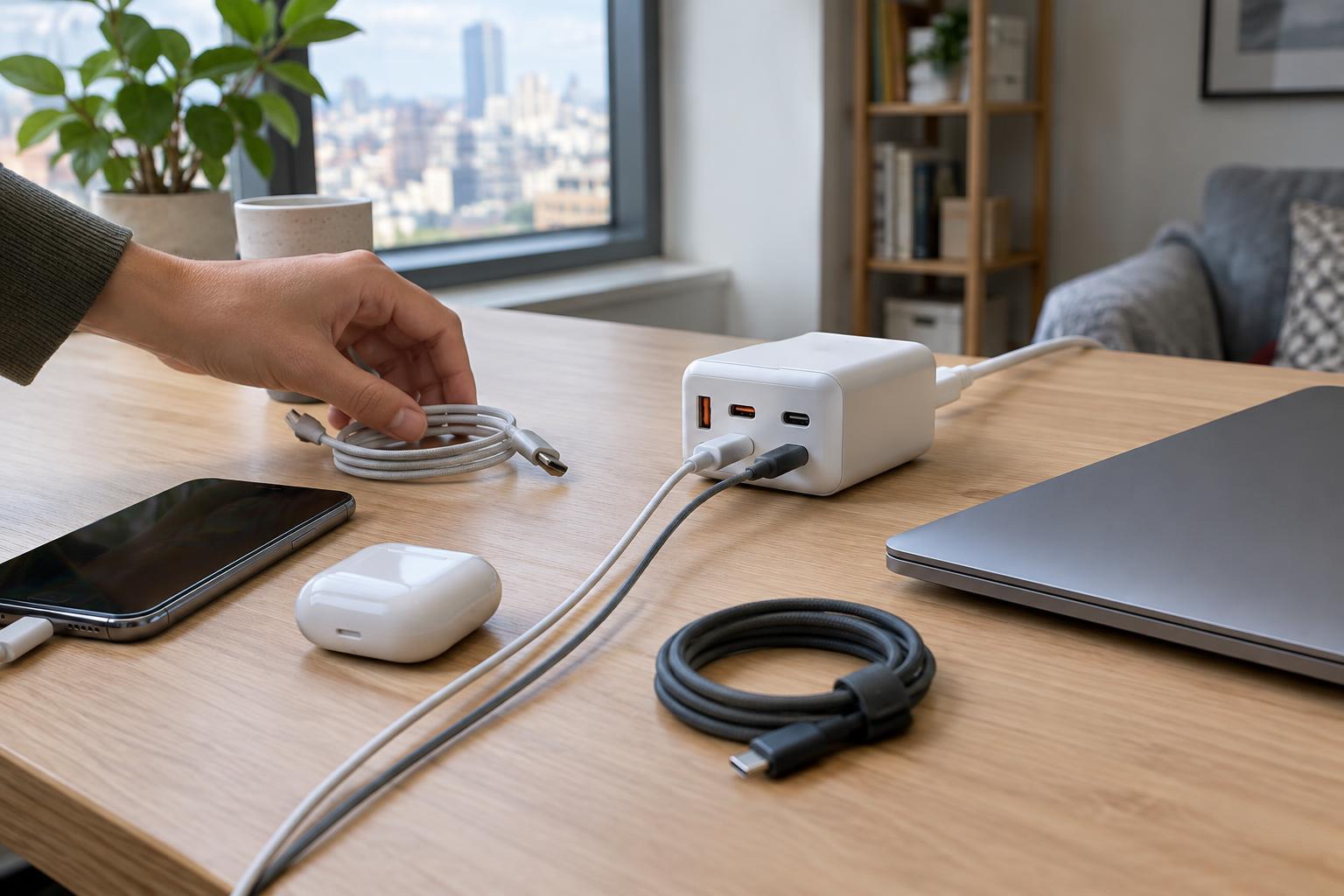
A multi-port charger is most useful when it solves a specific problem: too many adapters beside the bed, a crowded desk outlet or a bag full of charging bricks. Before comparing models, list what you regularly charge and which devices need to charge at the same time. A phone, earbuds and watch may call for a different setup than a phone and a laptop. Include accessories that use a dedicated charging puck or an older cable; the charger must have ports that accommodate those connections.
Check the power requirements printed on your devices or their existing adapters, especially for a laptop or tablet. A device generally draws the power it is designed to accept, so buying a charger with a higher advertised output will not necessarily make it charge faster. The more important question is whether the charger can supply enough power through the right port while your other devices are plugged in.
Understand what the port count hides
Port types matter as much as the number of ports. USB-C is a practical choice for many newer devices, while a USB-A port can keep an older cable useful. Look at each port’s stated output rather than assuming every port performs alike. A charger with several sockets may reserve its highest output for one particular USB-C port, and some combinations of ports may have different limits.
Pay close attention to the difference between total output and per-port output. A charger advertised at a certain total wattage may share that capacity across all connected devices. When you plug in a second device, the power available to the first can change. Product specifications should show the output available with one port in use and with multiple ports in use. If they do not, it is harder to judge whether the charger will meet your needs.
Match charging standards and cables
USB Power Delivery, often shortened to USB PD, is a common charging standard for USB-C devices. If you want to charge a laptop, check that both the charger and the laptop support compatible charging through USB-C, then compare their stated power requirements. Some laptops require a particular adapter or may charge more slowly from a lower-power USB-C source, especially while in use. A charger that works well for a phone is not automatically a suitable laptop charger.
The cable is part of the setup, too. Use a cable with connectors that fit both the device and the charger, and check that it supports the power you expect to use. An unsuitable or damaged cable can undermine an otherwise capable charger. If you are replacing several adapters with one unit, count the cables you will need and consider where they will lie; a neat charger can still create a tangle if every lead has to cross the desk.
Consider safety, placement and portability
Choose a charger from a seller that provides clear electrical specifications and identifies the manufacturer. Look for appropriate safety certification for your region, and avoid units with vague labeling, loose-fitting plugs or unusually unclear instructions. Chargers can become warm in normal use, so leave room around them rather than burying them under clothes or paper. Stop using one if it is damaged, emits an unusual smell or becomes excessively hot.
For a fixed desk, a charger with a separate power cord may be easier to position than a heavy unit that hangs directly from a wall outlet. For a small bag, size and weight may matter more. If you travel, check the charger’s stated input-voltage range and plug shape. A plug adapter changes the physical fit of a plug; it does not, by itself, make an incompatible device suitable for a different electrical supply.
Choose for your busiest ordinary day
Imagine a realistic evening: perhaps you plug in a laptop while working, then add a phone and earbuds before bed. Compare that combination with the charger’s multi-port output table. If the laptop needs most of the available power, a separate charger for it and a smaller multi-port unit for accessories may be simpler than one device trying to do everything.
Finally, allow for one modest change in your routine without buying ports and power you are unlikely to use. A spare USB-C port can be handy for a future accessory or a visitor’s phone. The best choice is not necessarily the smallest charger or the one with the largest number on its label. It is the one whose ports, shared output, cables and physical design fit the way you actually charge.